|
|
|
|
|
|
|
|
| 8 X3D Models | X3D Model Descriptions | |
|---|---|---|

|
Aliasing Example | Illustrates the effect of aliasing (tearing) by the coplanar overlap of two cubes with different colors. |
|
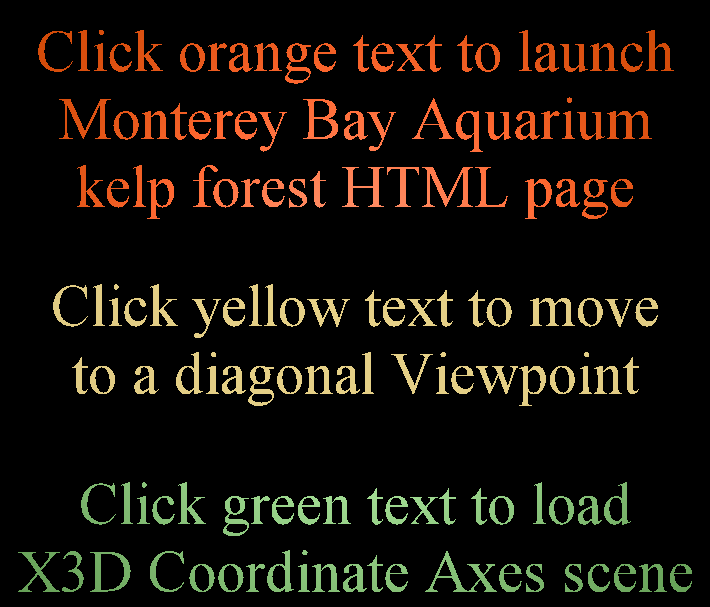
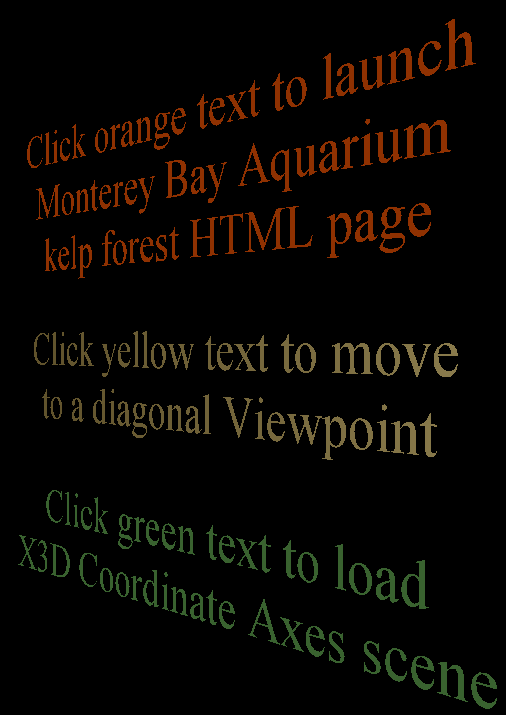
Anchor Comparison | Anchor-node examples comparing HTML page launch, shifting Viewpoints, and loading another X3D scene. |
|
Anchor Example | Anchor example using the Kelp Forest world. |
|
Billboard Example | Illustrates Billboard operation using Kelp Forest example scenes for Figure 4.4, X3D for Web Authors. |
|
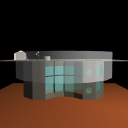
Binding Operations | Illustrate Viewpoint binding operations (in gory detail!) as described in Chapter 4 concepts. Scene design: a TimeSensor clock drives and IntegerSequencer for each t0/t1/etc. event, and a customized Script node sends bind/unbind events to the correct Viewpoint. Display the browser console to see occurrence of each event. |
|
Collision Example | Illustrate Collision node operation: set Collision enabled="true" to block user navigation through the Kelp Forest tank glass. |
|
Navigation Info Example | NavigationInfo override example for Kelp Forest world. |
|
Viewpoint Example | Viewpoint example added to Kelp Forest world. |
|
Online at https://X3dGraphics.com/examples/X3dForWebAuthors/Chapter04ViewingNavigation
Master source-code model archive is under subversion control at |
The X3D Resources: Examples page and Savage Developers Guide provide more information about the production of this archive.
|
|
|
|
|
|
|