Table of Contents Previous Chapter Slideshow

X3D for Web Authors, Chapter 04 - Viewing Navigation

Next Chapter Slideshow X3D Resources
[1] AliasingExample.x3d - Book View
Anchor comparison, view from front Course slidesets, videos and the complete Chapter 1 Technical Overview are available online via X3dGraphics.com. Anchor comparison, oblique view from right side
Only one NavigationInfo and one Viewpoint node can be active a time, with order controlled via a binding stack. The supporting Chapter 4 slideset and course videos are available online via X3dGraphics.com.
X3D Scenes             Viewpoint Snapshots
Aliasing Example     [1] AliasingExample.x3d - Book View
[2] AliasingExample.x3d - (default X3D view from 0 0 10)
Anchor     [3] Anchor.x3d - view Anchor text
[4] Anchor.x3d - (default X3D view from 0 0 10)
Anchor Comparison     [5] AnchorComparison.x3d - Front view Anchor text
[6] AnchorComparison.x3d - Side view Anchor text
[7] AnchorComparison.x3d - (default X3D view from 0 0 10)
Billboard     [8] Billboard.x3d - Text message from ahead
[9] Billboard.x3d - Text message Billboard effect
[10] Billboard.x3d - (default X3D view from 0 0 10)
Binding Operations     [11] BindingOperations.x3d - Viewpoint 1
[12] BindingOperations.x3d - Viewpoint 2
[13] BindingOperations.x3d - Viewpoint 3
[14] BindingOperations.x3d - Viewpoint 4
[15] BindingOperations.x3d - Select animation sequence
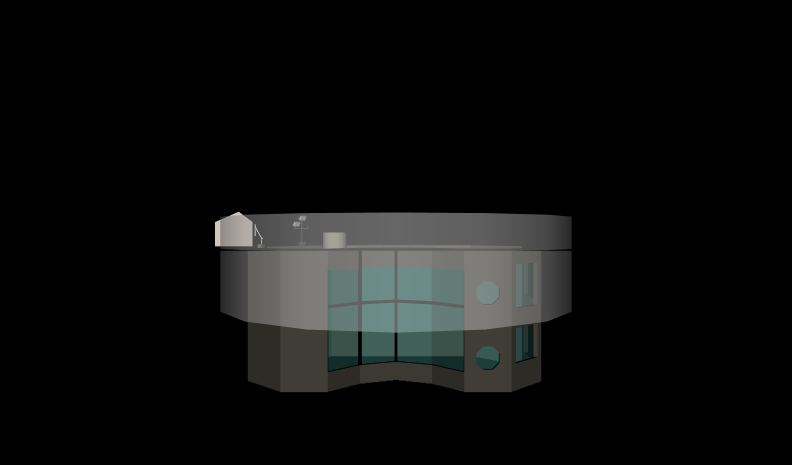
[16] BindingOperations.x3d - (default X3D view from 0 0 10)
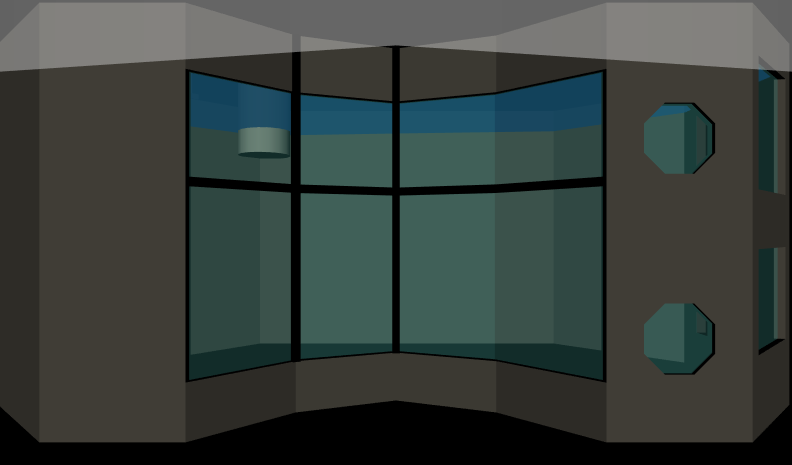
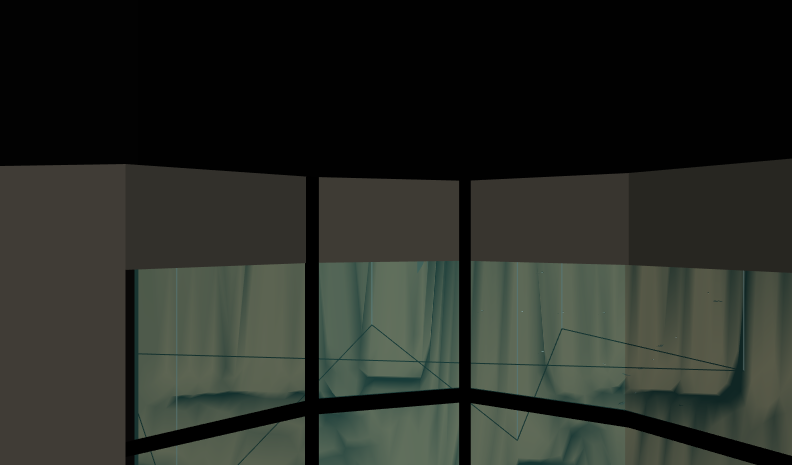
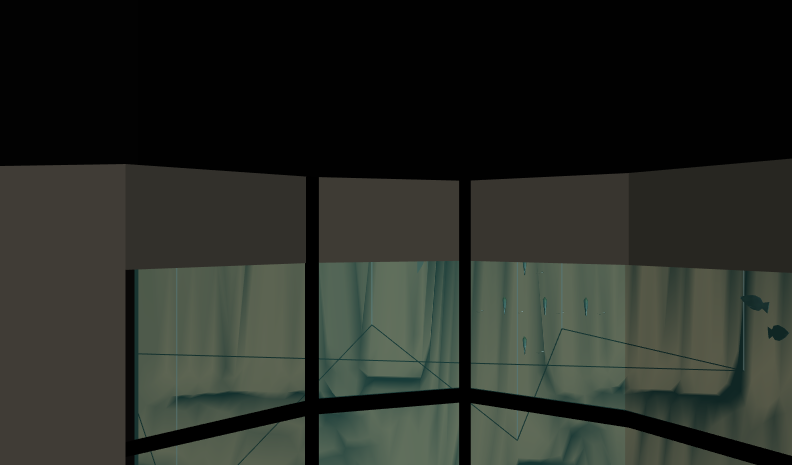
Collision     [17] Collision.x3d - Outside Tank
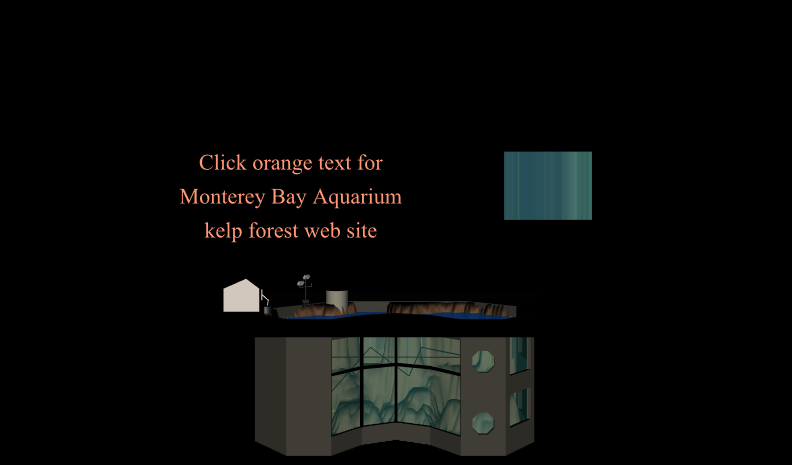
[18] Collision.x3d - Inside Tank
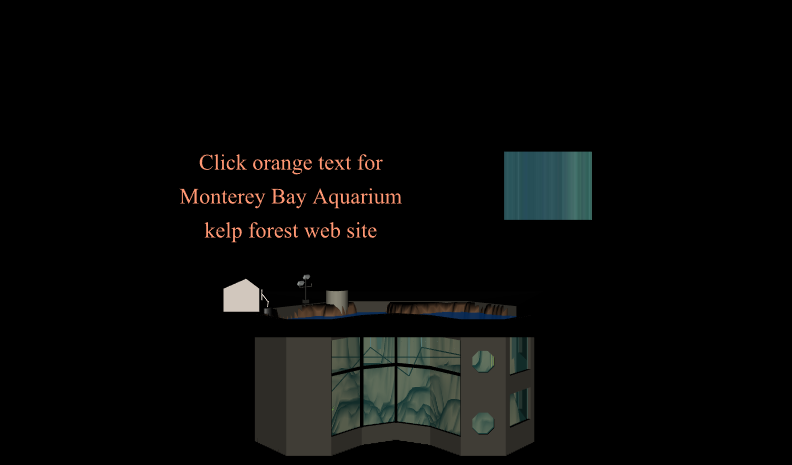
[19] Collision.x3d - (default X3D view from 0 0 10)
Navigation Info     [20] NavigationInfo.x3d - (default X3D view from 0 0 10)
Viewpoint     [21] Viewpoint.x3d - 7 degree towards left
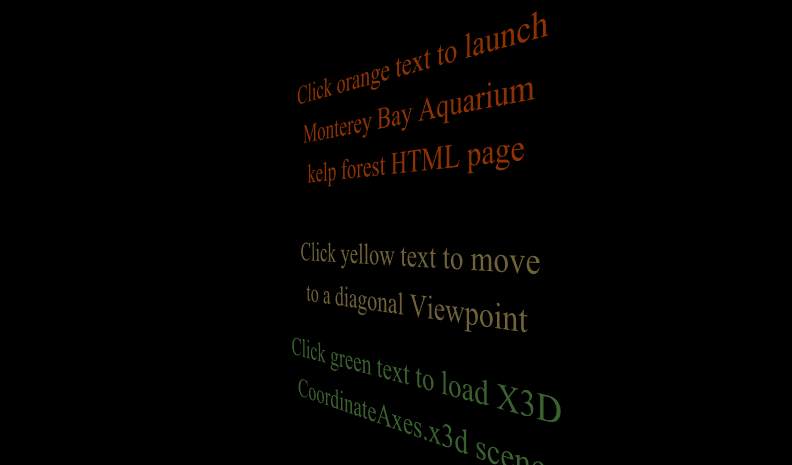
[22] Viewpoint.x3d - (default X3D view from 0 0 10)

http://X3dGraphics.com/examples/X3dForWebAuthors/Chapter04-ViewingNavigation/viewpointSlideshow.html